
This demonstration environment contains fictional names, sample data, and simulated activity for demonstration purposes only.
Explore the major components of HallFlow through a guided demonstration environment. Select a module below to experience the student kiosk, teacher tools, administrator portal, controller, and reporting system.
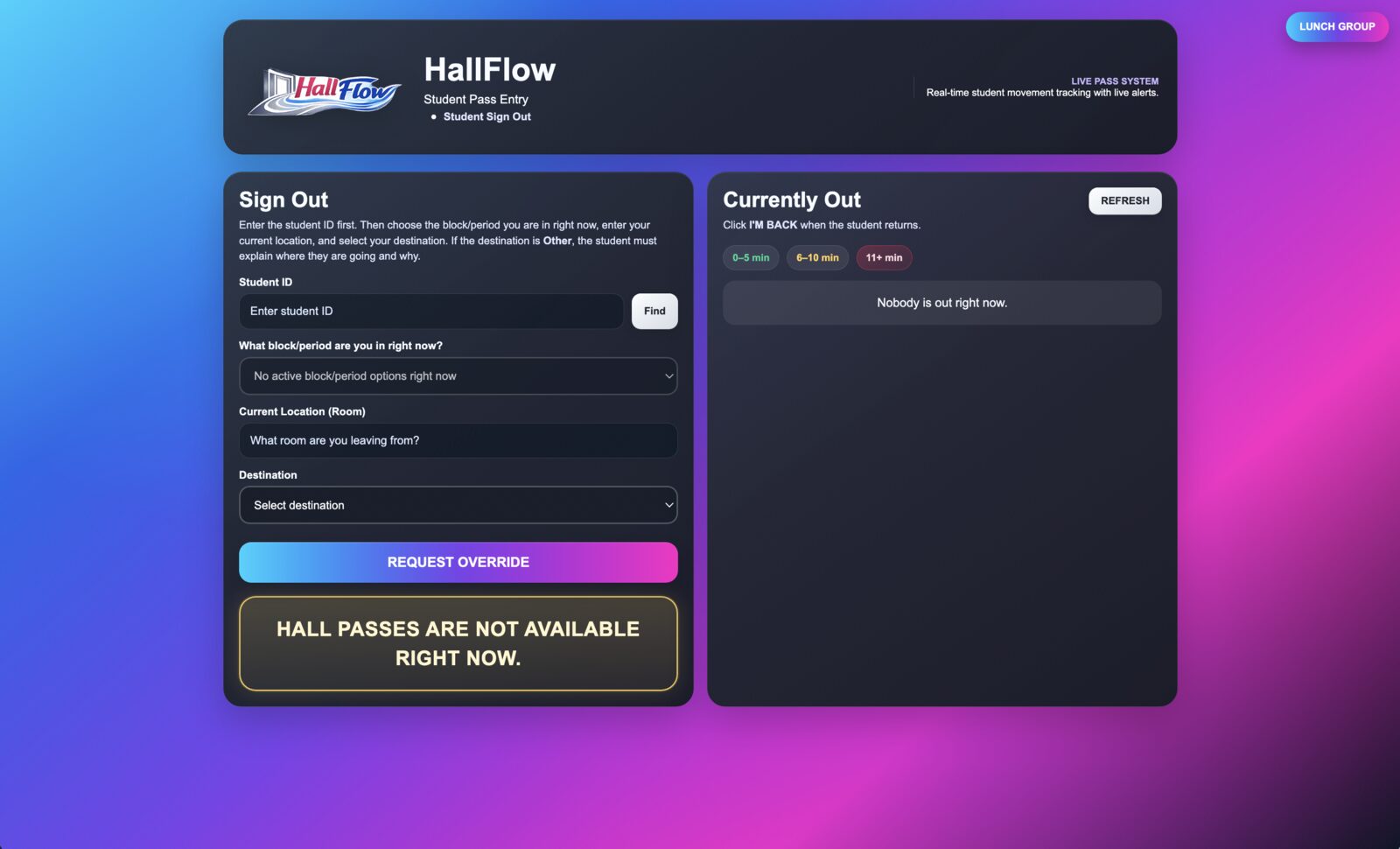
Students request digital hall passes through a simple self-service kiosk.
Launch Kiosk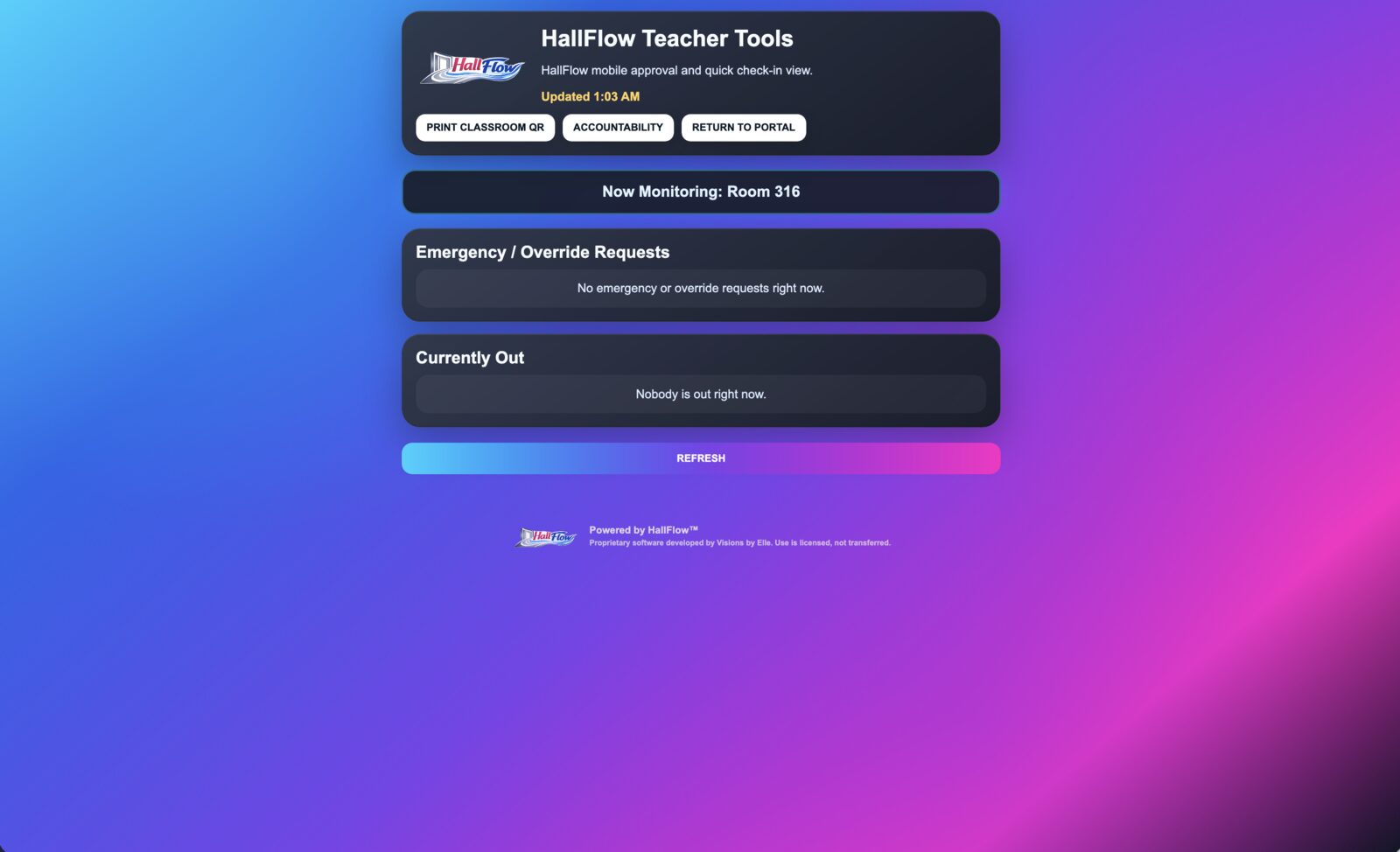
Teachers monitor active movement, access room-based tools, and support student accountability.
Launch Teacher Tools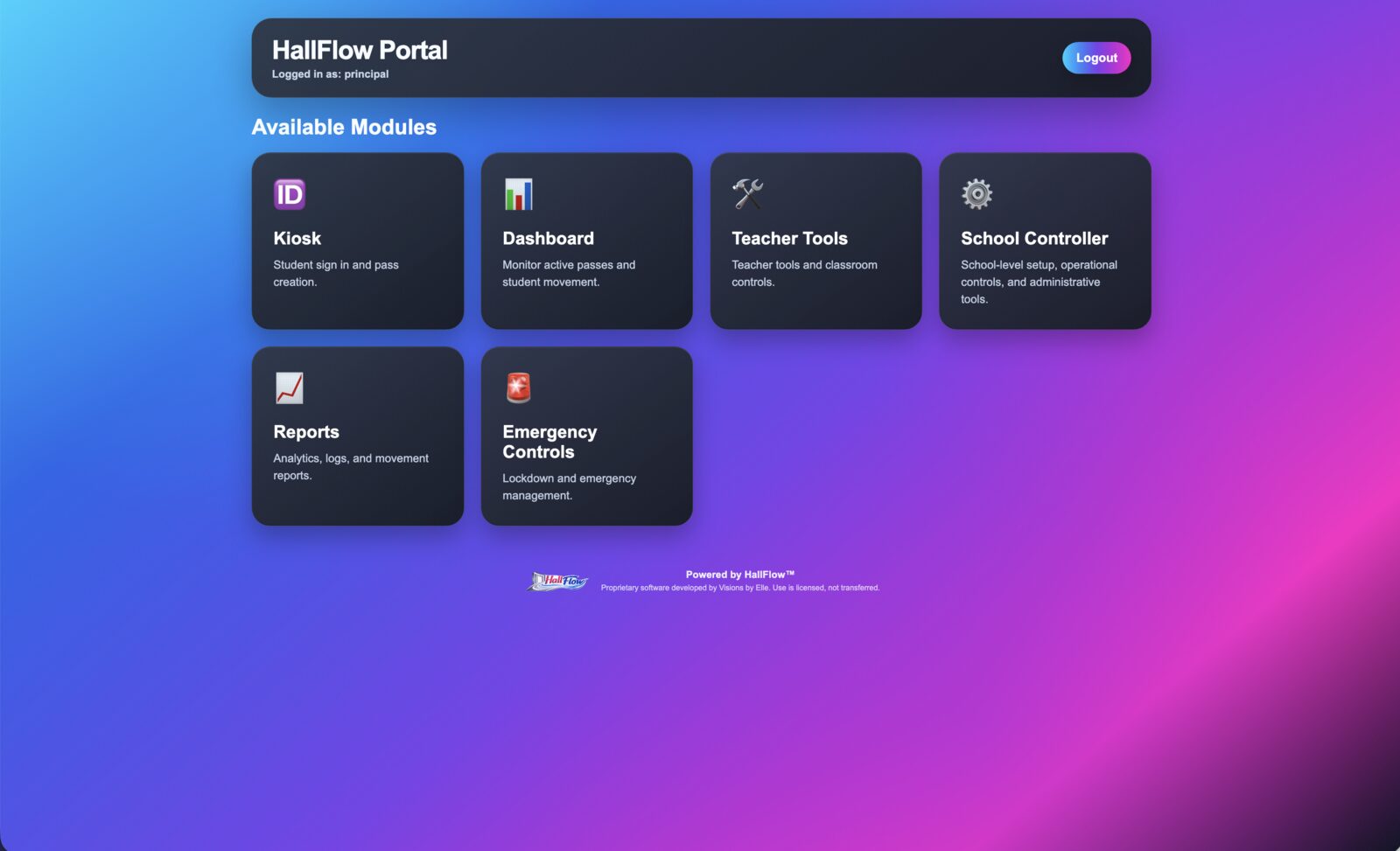
Access every HallFlow module from one secure, organized location.
Launch Dashboard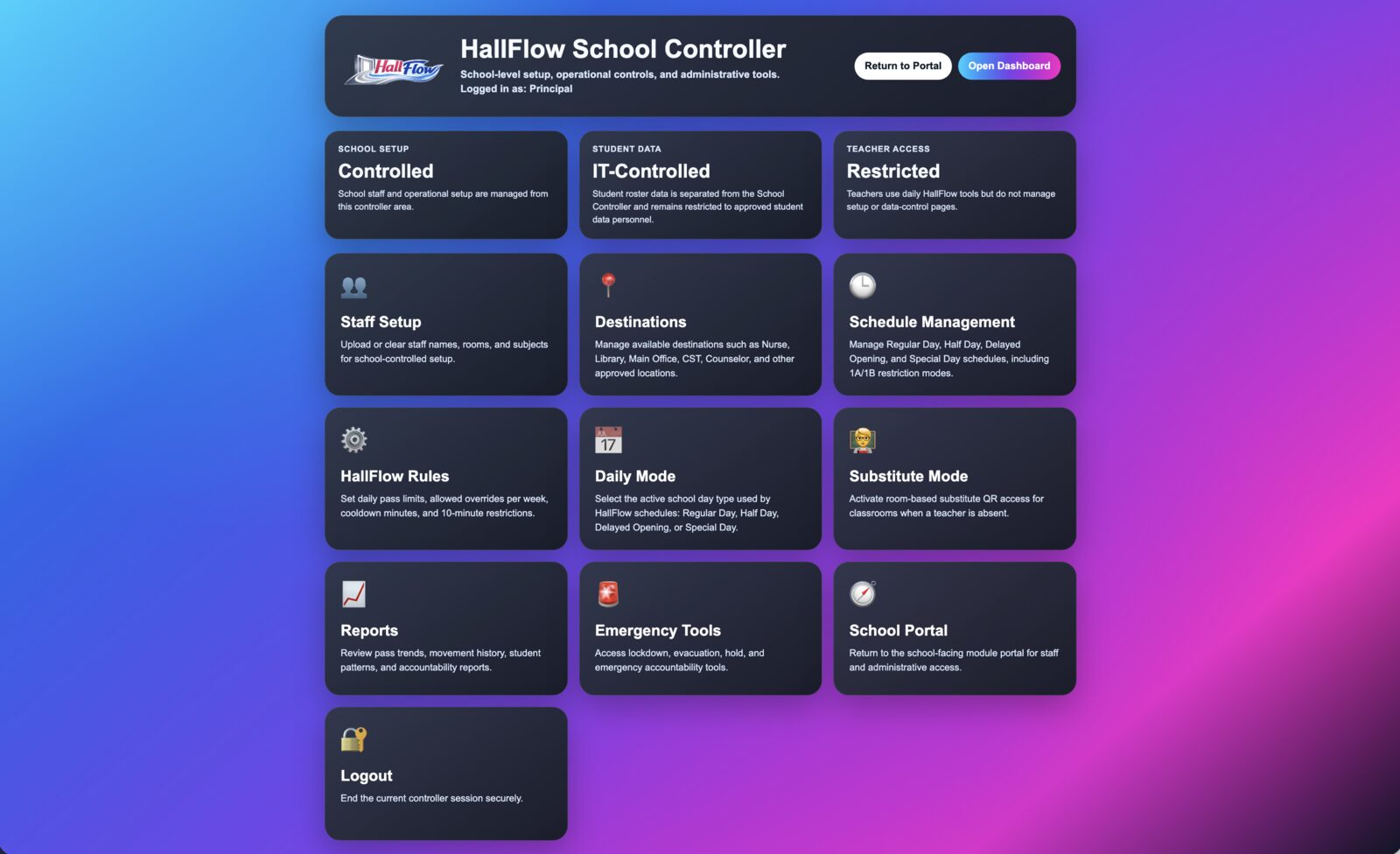
Configure staff, destinations, schedules, rules, reports, substitute mode, and school settings.
Launch Controller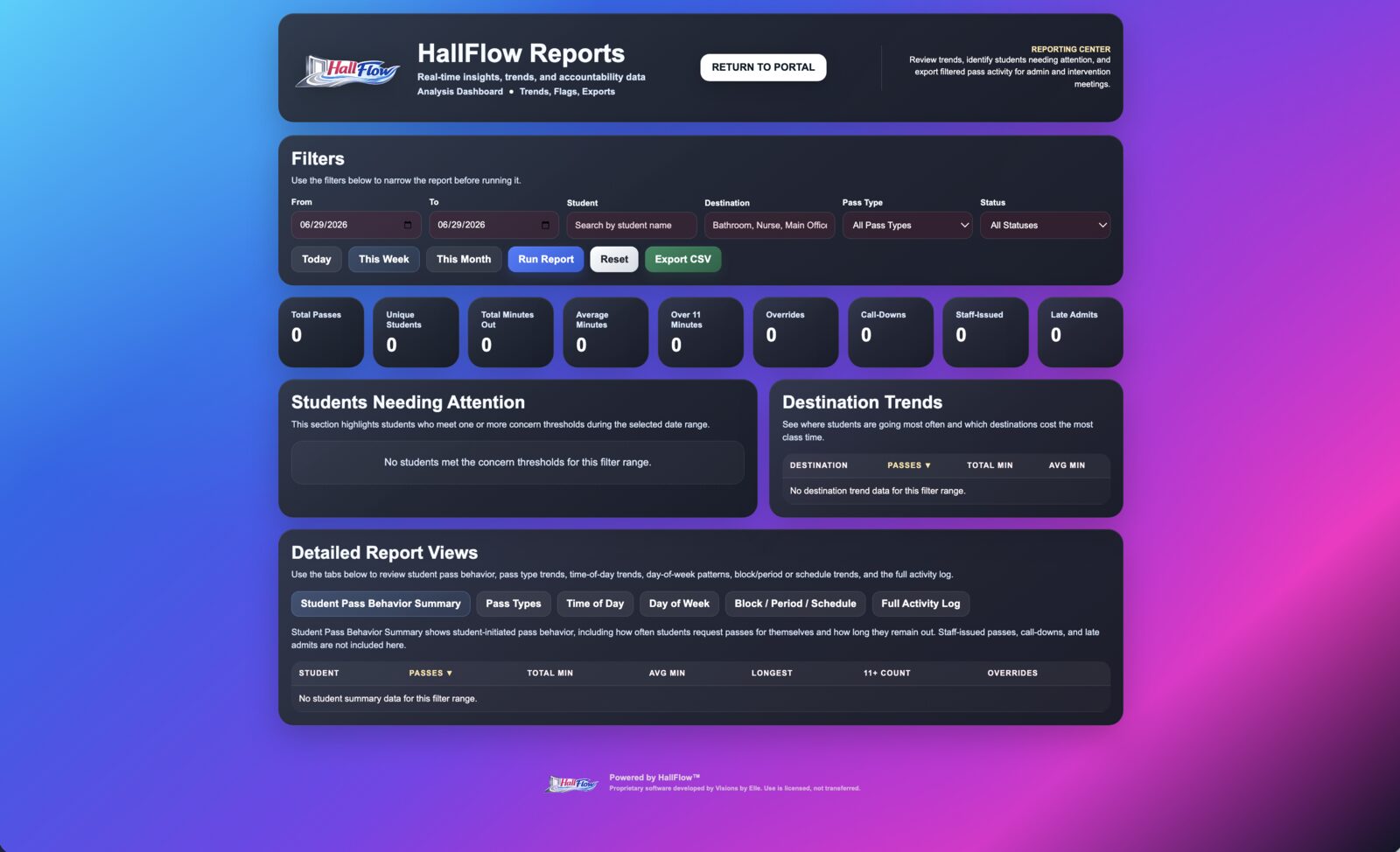
Review student movement patterns, destination trends, accountability data, and exportable reports.
Launch Reports
HallFlow includes emergency and accountability tools that help authorized staff improve visibility during critical situations.
Preview Emergency Tools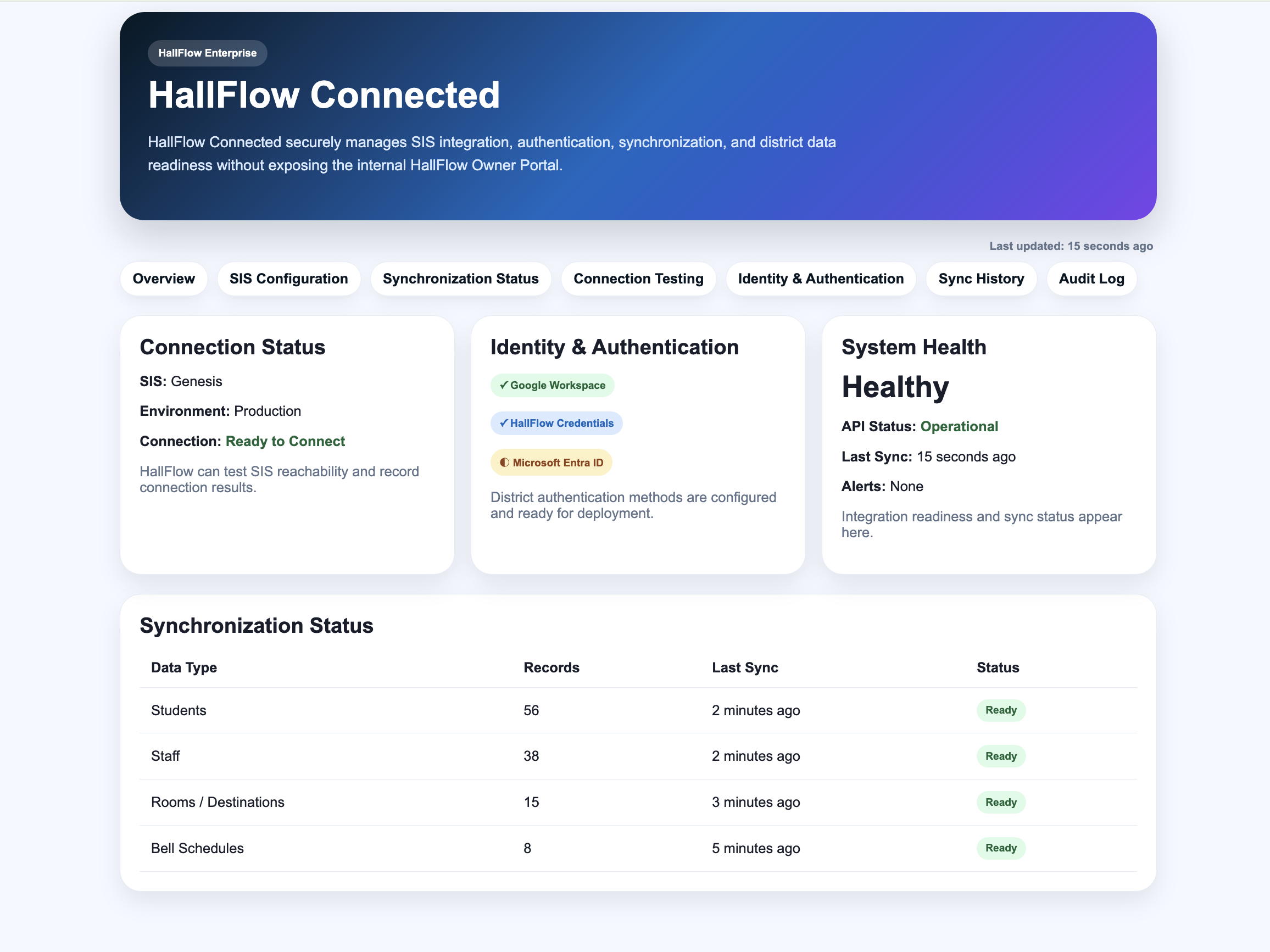
Connect HallFlow to your Student Information System, configure authentication, manage synchronization, and monitor connection status.
Launch HallFlow Connected